


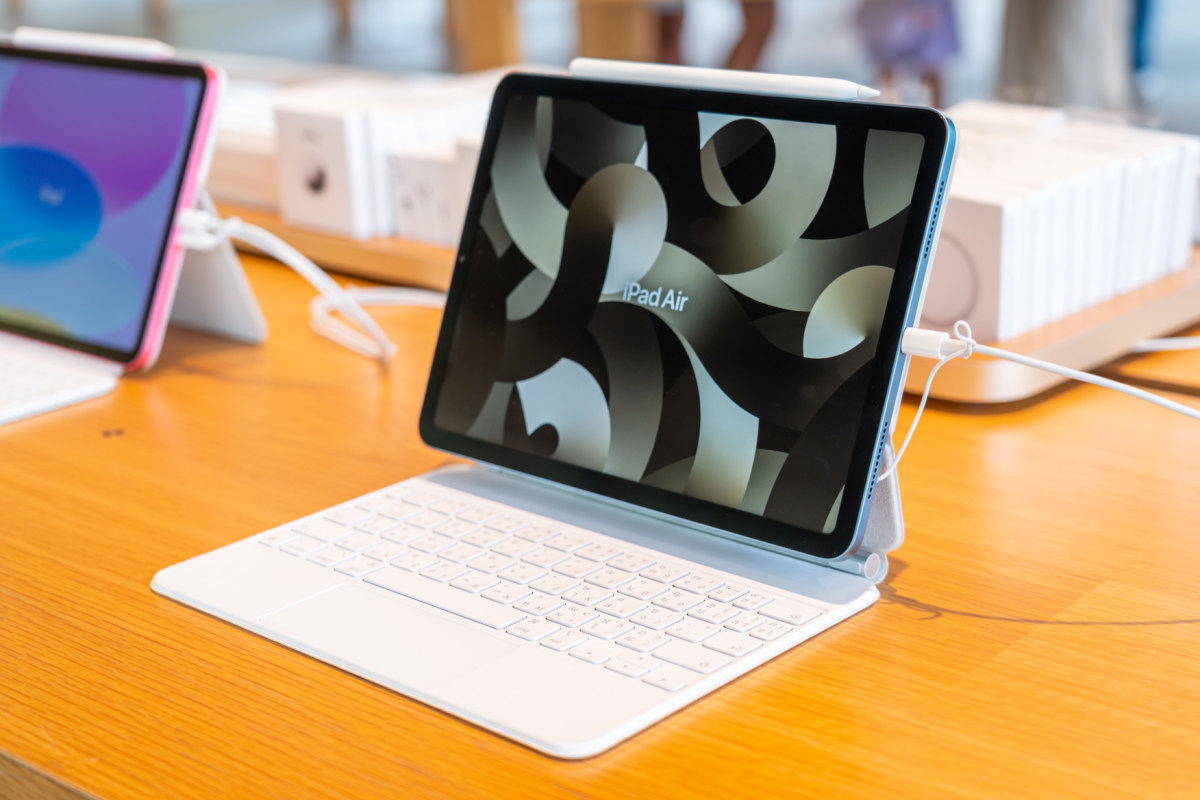
Apple’s newest iPad Air is the clearest example yet of a “chip bump” product. The design is the same. The screen is the same. The vibe is the same. The upgrades are almost entirely internal, and they come down to three chips: M4, C1X, and N1.
Apple’s pitch is simple. The Air is where iPad Pro technology goes after it is no longer the headline feature. That approach can feel operations-led, but it also makes the Air the most sensible iPad for most people: strong performance, modern connectivity, and a price that is still within reach.
What’s New: Three Chips, Not Much Else
The upgrade list is short and very specific:
- M4 processor for faster CPU and GPU performance
- C1X cellular modem for improved mobile connectivity
- N1 wireless chip enabling Wi-Fi 7, Bluetooth 6, and Thread support
That’s it. No new screen tech. No Face ID. No big redesign. If you wanted a dramatic Air refresh, this is not it.
Performance: Faster, But The Real Win Is Longevity
In benchmark terms, the M4 Air lands roughly 20 to 25% faster than the prior Air for CPU-heavy tasks, and around 10 to 15% faster in GPU tasks. In day-to-day use, most people will barely notice a difference versus last year’s Air. App launches and games feel broadly the same.
The more meaningful comparison is against older iPads still in heavy rotation. If you are coming from devices like the 2020 iPad Air (4th gen) or the 2022 base iPad (10th gen) with an A14 Bionic, the jump is enormous. The M4 can be roughly 80% to 250% faster on CPU tasks and more than 3x better in GPU performance. That kind of upgrade is obvious in everything, from animations to heavier apps and games.
Connectivity: C1X Is The Quiet Star
The standout upgrade here is the C1X cellular modem. For people who use a cellular iPad, this matters. A truly connected iPad becomes more useful for email, reading, and browsing on the move, and it can also function as an excellent hotspot thanks to the large battery.
In testing described in the source material, the M4 Air delivered unusually strong cellular speeds, sometimes beating recent phones and other iPads in weak coverage areas. If that pattern holds widely, it makes the cellular Air a better tool than it has been in years.
The N1 upgrade is harder to feel unless your home network supports Wi-Fi 7. Bluetooth improvements rarely feel transformative, and Thread support will mostly matter to smart-home users who already know they need it.
The Tradeoffs: Storage And A 60Hz Screen
The Air remains a very good value, but it is not without annoyances:
- Base storage is still 128GB at a starting price of $599, which will frustrate buyers watching Apple raise base storage elsewhere.
- The display is still a 60Hz LED panel rather than a smoother 120Hz option.
- Face ID is still absent, which some buyers will miss.
These compromises are not new, but they define the Air’s position: premium enough to last, restrained enough to protect the Pro lineup.
Who Should Buy It And Who Should Skip It
If you own the M2 or M3 iPad Air, you can skip this upgrade with confidence. You are not missing a new iPad idea, just incremental chip gains.
If you are upgrading from an older A-series iPad, or you want a powerful iPad that costs far less than the Pro, the Air remains the safest recommendation. The best strategy still applies: buy the best iPad you can afford, keep it for years, and let those incremental chip bumps stack up into something you actually feel.
